
The invoice looked ordinary. A PDF attachment, a familiar vendor name, a polite note about updated payment details. Halfway down the page sat a QR code with three words beside it: scan to pay. That code is quishing, and it is currently the fastest-growing way attackers get past business email security.
Quishing is phishing that hides its malicious link inside a QR image instead of writing it as text. The volume moved sharply this year. Microsoft detected around 8.3 billion email-based phishing threats in the first quarter of 2026, and QR code attacks inside that total rose 146%, from 7.6 million in January to 18.7 million in March. Most arrived exactly like the invoice above, as a PDF attachment, climbing from 65% to 70% of quishing attempts across the same three months.
The reason quishing works has nothing to do with how careful your team is. It works because of where the link hides and which device ends up opening it.
Quishing turns a link into a picture your filter cannot read
Your email security inspects text. It reads the URLs in a message, checks them against threat intelligence, and blocks the ones it recognizes as dangerous. That process is genuinely effective, which is why attackers stopped writing links as text.
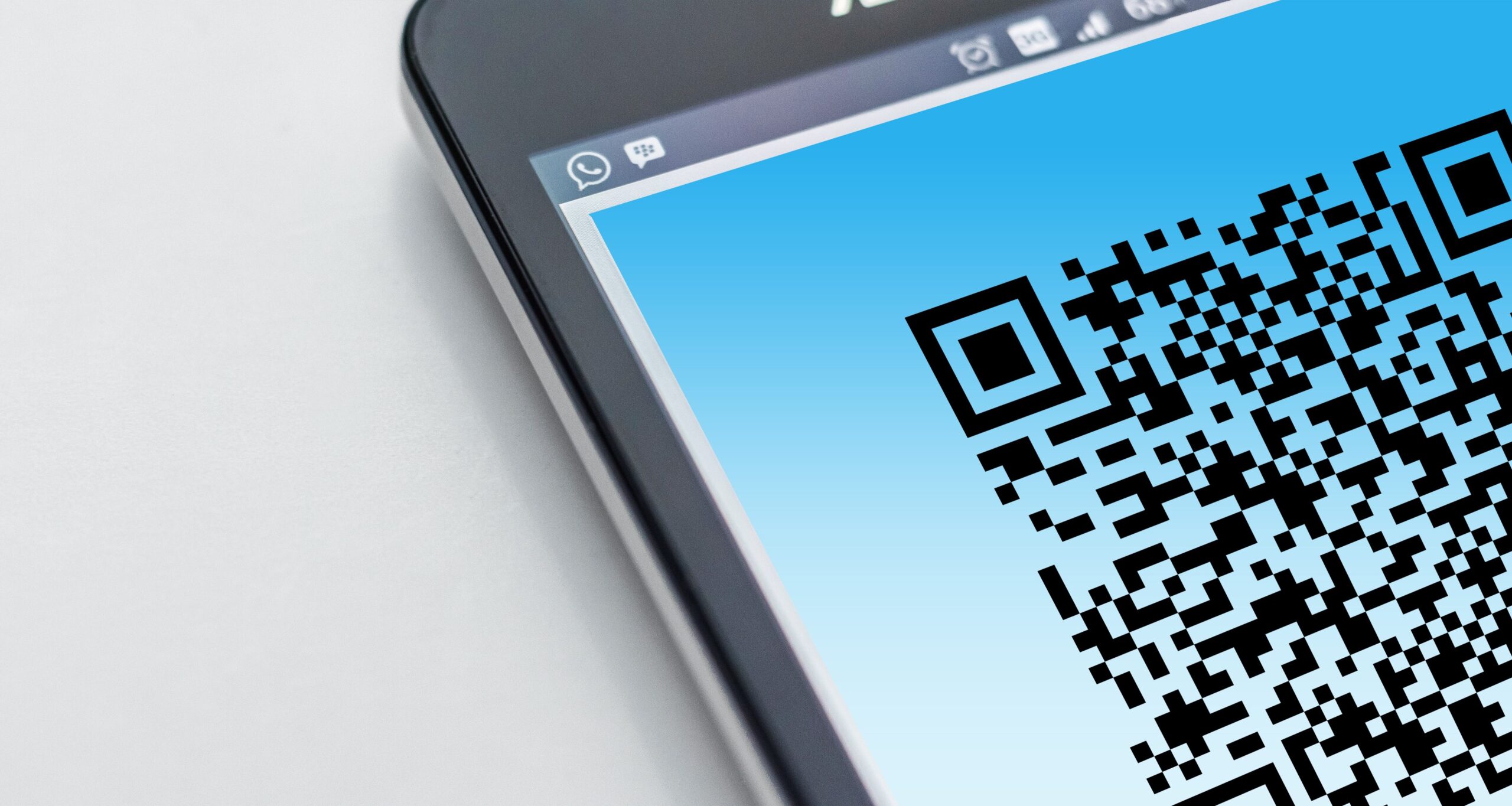
A QR code is an image. The web address is encoded into a pattern of squares, so there is no text for the filter to inspect. The UK’s National Cyber Security Center has noted that not all phishing-detection tools scan images, which is precisely why criminals adopted the technique.
The PDF wrapper is what changed this year. An email carrying a bare QR image looks odd enough that people hesitate. A PDF invoice, purchase order, or signed agreement does not, because that is how real documents arrive. The attachment passes inspection as a legitimate file, the code sits inside it where link scanners rarely look, and the recipient opens it expecting paperwork. That combination is why quishing moved from a curiosity to the dominant delivery method in a single quarter.
The second half of the problem is the handoff. You scan with your phone. Your work laptop has DNS filtering, endpoint protection, and web controls that would have blocked the destination outright. Your personal phone has none of it. In the two seconds between noticing the code and opening the page, quishing has walked you out of every protection your business pays for.
The quishing setups landing in Southeast Texas inboxes
Five patterns account for most of what we see. The industries around League City, Webster, and the wider Clear Lake area shape which ones show up where.
- The MFA re-enrollment notice. An email that appears to come from Microsoft or your own IT provider says your multi-factor authentication needs re-registering. Scan the code, sign in, and the credentials go straight to the attacker. This is the most common quishing pattern in professional services firms.
- The shared document. A client or colleague has supposedly shared a file. The code opens a login page that mimics Microsoft 365. Law firms and CPA practices see this constantly because document sharing is routine work.
- The payment redirect. A PDF invoice arrives with a QR code offering faster payment. Contractors and engineering firms running high-value supplier invoices are the natural target, because a single redirected payment is worth the effort.
- The delivery notice. A text about a missed package asks you to scan to reschedule. The US Federal Trade Commission has warned about this exact scam.
- The physical sticker. Someone prints a quishing sticker and places it over the legitimate code on a parking meter or payment terminal. This one needs no email at all.
A 30-second check before you scan anything
Most quishing advice amounts to “be careful,” which is not a procedure. This is one:
- Ask who sent it. A code on a restaurant table is almost always fine. A code that arrived in an email or text asking you to log in or pay deserves the same suspicion as an unexpected link from a stranger.
- Read the preview before you tap. Your phone shows the web address after scanning and before opening it. Read the domain. If it is not the official site you expected, close it.
- Go direct instead. If Microsoft genuinely needs your attention, type the address yourself or use a bookmark. Never let a code decide where you land.
- Treat urgency as the tell. Account closure in 24 hours, a fine, a payment deadline. That pressure exists to rush you past your own judgment.
- Check physical codes for a second layer. Run a fingernail across the corner of any code on a meter or terminal. Stickers lift.
Behind all of that sits one control worth more than the rest combined. Phishing-resistant multi-factor authentication, whether a passkey, a hardware key, or number matching in an authenticator app, means a captured password is not enough on its own. We covered why SMS codes no longer clear that bar in our guide to levelling up your MFA. If quishing does catch someone on your team, that setting decides whether it becomes an incident or a non-event.
Which phishing-resistant option actually fits your team
“Use phishing-resistant MFA” is common advice and rarely explained. There are three real options, they suit different people, and most businesses end up running two side by side rather than picking one.
- Passkeys. Built into the phones and laptops your team already carries, and free. The sign-in is a fingerprint or face scan, and the credential is tied to the site it was created for, so a quishing page cannot request it. Best default for most staff. The catch is device loss, which is manageable if people register a second device in advance.
- Hardware security keys. A physical key that plugs in or taps. There is a per-person hardware cost and keys do get left at home, but they are the strongest option and they keep working when a phone is lost, stolen, or being replaced. Worth the cost for administrators, finance staff, and anyone who can move money.
- Number matching in an authenticator app. Free, already available in Microsoft Authenticator, and a large improvement on SMS codes because the user has to read a number off the screen and type it, rather than tapping approve on a prompt they did not trigger. Weaker than the other two against a determined attacker, but by far the easiest to roll out to a whole company in an afternoon.
A practical sequence for a small team: number matching everywhere first, because it takes a morning and kills the most common attack. Hardware keys next for admin and finance, since those are the accounts quishing campaigns are hunting. Then offer passkeys to everyone else and let adoption grow on its own.
Already scanned one? Do these four things in order
Order matters here, because the first two minutes determine how much the attacker can actually use.
- Change the password immediately for that account, and for every other account sharing it.
- Confirm MFA is active on the account before you do anything else.
- Tell whoever manages your IT so they can review sign-in logs for unfamiliar locations or devices.
- Call the bank if card or payment details were entered, then watch the account closely for two weeks.
If you closed the page without typing anything, the exposure is minimal. Close it, do not return to it, and mention it to your IT contact anyway so they know the campaign is reaching your staff.
The last step is the one most businesses skip: tell the rest of your team, the same day. Quishing is new enough that many people have never been warned it exists, and a warning that arrives a week later arrives after the campaign has finished. Something this short is enough:
“We had a phishing email today with a QR code in it, dressed up as a shared document. If you get an email or PDF with a code asking you to scan and sign in, do not scan it. Forward it to me. If you already scanned one, tell me now rather than later. Nobody is in trouble for scanning. Only for staying quiet about it.”
That last sentence matters more than the rest. The single biggest cost in a quishing incident is the hour or the day between someone realizing they made a mistake and someone admitting it. Ongoing security awareness training is what turns a one-off warning into a habit, and it pairs with the email security controls that catch most attempts before anyone has to make a judgment call at all.
If your business prints its own QR codes
Almost every quishing article treats you as the target. If your business puts codes on invoices, signage, table tents, or job-site notices, you are also a surface, and that side gets no attention at all.
Anything printed and left unattended can be covered, and a sticker over the code on a reception sign or payment terminal is invisible unless someone looks closely. Three things reduce that risk cheaply: use tamper-evident stock on anything customer-facing, add a code check to whatever walkthrough already happens, and print the destination address in readable text beside the code.
Invoices deserve a harder look. A QR code on a printed or emailed invoice is convenient, and it is also the exact pattern attackers imitate, which means your genuine invoices train your customers to trust the thing you want them to distrust. Many businesses are better off dropping codes from invoices entirely and using a short, readable web address instead.
If a customer tells you they received an invoice carrying your company name and a payment code you did not send, treat it as an incident even though nothing of yours was breached. Call them directly rather than replying to the email chain, confirm no payment left, tell whoever handles your IT so they can check whether your domain is being spoofed, and warn your other customers before the second one pays. A quishing campaign that borrows your name damages your reputation whether or not your systems were ever touched.
Frequently Asked Questions
Is it safe to scan a QR code on a parking meter? Usually, but check it physically first. Placing a sticker over a legitimate code is one of the easiest quishing attacks to run and needs no technical skill. Feel the corner of the code before scanning; if it lifts, do not use it.
Does Microsoft 365 block quishing emails? Partially. Defender inspects attachments and links, and Microsoft has added image scanning for codes, but detection is not complete, which is exactly why the attack volume tripled between January and March 2026. Treat filtering as one layer, not the answer.
How do I see where a QR code goes without opening it? Both iPhone and Android show the destination address as a banner after scanning and before loading the page. Read that banner. The domain is what matters, not the words around it.
Can my phone get a virus from scanning a code? Simply scanning almost never installs anything. The danger is the page it opens, which asks you to sign in or pay. Quishing steals credentials and payments; it does not usually deliver malware.
A client received a fake invoice with our company name on it. What now? Contact the client directly by phone, confirm nothing was paid, and tell your IT provider so they can check whether your domain is being spoofed. Invoice fraud usually means your name is being impersonated rather than your systems being breached.
Quishing is a good example of a threat that a business can genuinely reduce without spending much: the right MFA setting, one company-wide message, and email controls that catch the obvious attempts. If you are not certain those three are in place across your team, take a look at how a cyber shield approach covers them together and where the gaps in your current setup actually sit.
Featured Image Credit: Pexels